
7 Useful Apps for Planning Your Trip
 Daria O, Content Marketing LeadDaria O, Content Marketing Lead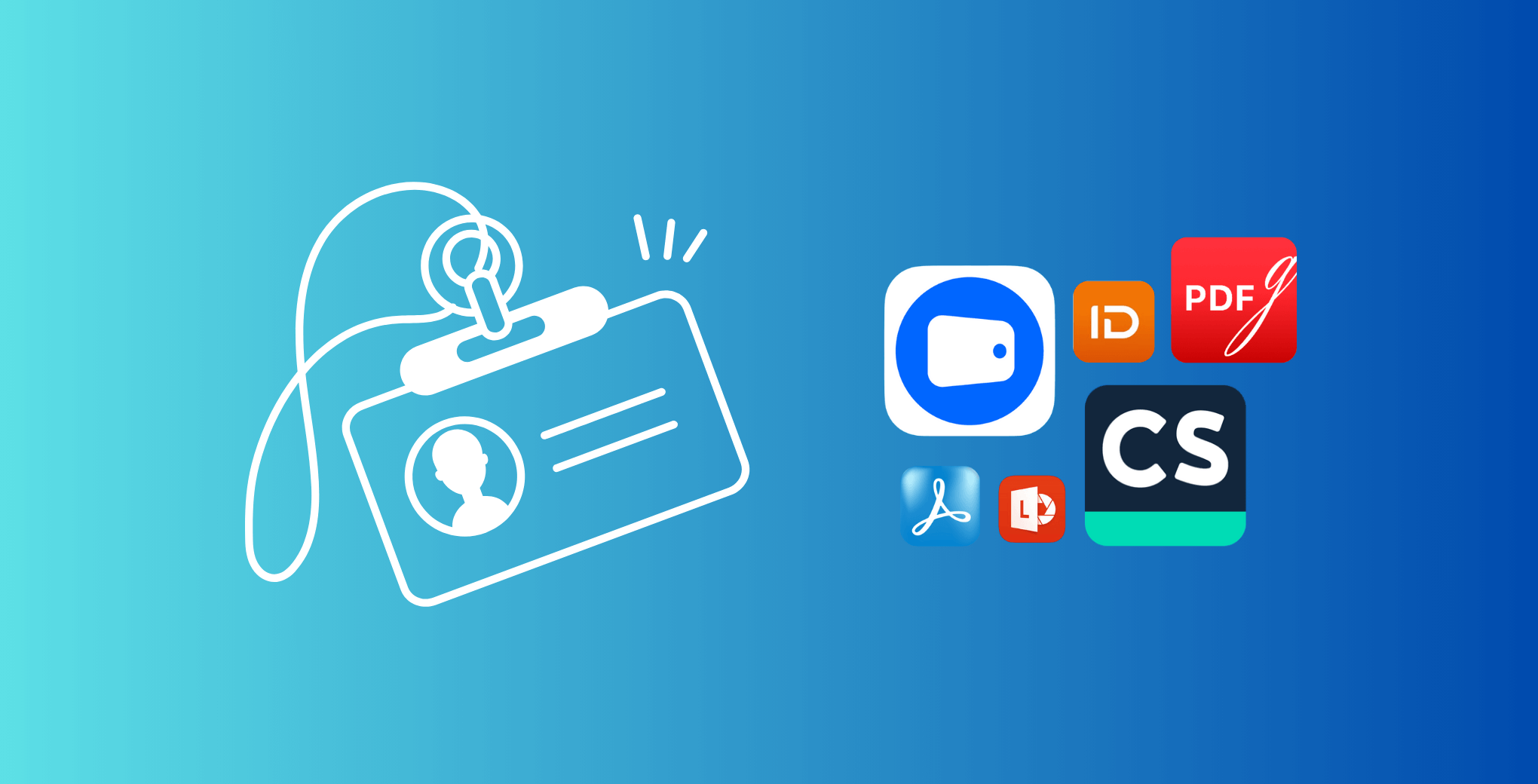
Keeping your identification documents safe and accessible is now easier than ever. Whether you need a digital copy of your passport for travel, your driver’s license for registration, or your ID card for work, an ID scanner app lets you securely scan, store, and access these files right on your phone.
Modern scanning apps use advanced image recognition to turn your smartphone into a reliable ID scanner. You no longer need bulky office equipment or trips to a print shop — everything can be done in seconds with the right app.
In this guide, we explore the best ID scanner apps for Android and iPhone, explain how to scan your ID with your phone, and help you choose an app that balances convenience, accuracy, and data protection.
An ID scanner app is useful for both personal and business needs. Individuals use it to keep digital copies of identification, while companies use it for quick verification, visitor management, or compliance with legal requirements.
Instead of taking random photos of your documents, a dedicated scanning app automatically detects edges, removes glare, and adjusts lighting to make your ID clear and readable. Many scanner apps also recognize text using OCR (Optical Character Recognition), so the details can be copied or exported.
The result is a professional-quality digital version of your ID stored in a secure location on your device or in the cloud.
You don’t need special equipment to digitize your documents. With a smartphone and an ID scanner app, the process takes less than a minute.
Install a scanner app like Folio Wallet, Adobe Scan, or Microsoft Lens.
Open the app and select “Scan ID” or “Document” mode.
On iPhone, you can also use the Notes app for basic scanning, while Android users can access similar features through Google Drive. However, dedicated ID scanner apps deliver higher accuracy and better organization.
When choosing the best ID scanner app, look for the following:
A great scanning app provides precision, privacy, and simplicity in one package.
Folio Wallet is a secure ID scanner app designed to store identification documents, passports, payment cards, and travel files in one encrypted place.
You can scan any physical ID or upload an existing PDF. The app automatically detects text, dates, and key details, then organizes them into categories like Identity, Travel, and Health. For travelers, Folio even builds a visual trip timeline using your scanned tickets and bookings.
The scanning process is simple and accurate. You can scan both sides of an ID, merge pages, and save them as one PDF. The app’s OCR automatically reads important information for quick access.
Folio Wallet’s standout feature is its security. It uses AES-256 encryption, biometric login, and a zero-knowledge architecture, which ensures that even the company cannot access your files. All data stays encrypted locally on your phone and can be synced across devices when you choose.
The app works offline, supports both Android and iPhone, and is free to download, with optional premium features for more storage and collaboration.
IDScan.net is a professional-grade ID scanner app that specializes in identity verification. It can scan and authenticate driver’s licenses, passports, and national IDs from more than 200 countries.
This app is often used by hotels, banks, and event organizers to verify guests or customers. It reads MRZ codes, barcodes, and embedded chips, then checks them against databases to confirm validity.
The mobile version is available for Android and iPhone and provides a free trial for personal use. While it is designed for business environments, individuals who want the highest level of scanning accuracy can also benefit from its technology.
Adobe Scan is a widely trusted document and ID scanner app that transforms paper documents into digital PDFs. It automatically enhances image quality, removes shadows, and supports OCR to capture text accurately.
You can use it to scan IDs, receipts, and contracts, then organize everything within Adobe Cloud. The interface is clean, and files can be renamed, sorted, and shared instantly.
Available for Android and iPhone, it’s free to download with optional upgrades through Adobe Acrobat Pro.
Microsoft Lens is another great option for users who need reliable scanning without complicated tools. You can scan ID cards, passports, or business cards, and convert them into PDFs or editable Word files.
Lens integrates directly with OneDrive and Office, making it perfect for professionals who already use Microsoft products. It supports both Android and iPhone, works offline, and is entirely free.
CamScanner is one of the oldest and most feature-rich scanner apps on the market. It allows users to scan IDs, invoices, and official forms with ease. The app automatically detects document edges, enhances contrast, and saves results in PDF format.
You can annotate or add watermarks, organize scans into folders, and share them securely. CamScanner is available on Android and iPhone, offering a free tier and premium subscription for cloud storage and multi-user access.
PDFgear is a modern ID scanner app and document management tool that allows users to scan identification cards and convert them into professional-looking PDFs. You can merge, crop, and edit directly in the app, and even sign digital copies of your IDs or forms.
It works on both desktop and mobile, synchronizing files between devices. Its minimal design makes scanning quick and simple for anyone.
Security Level | Offline Access | OCR Accuracy | Best For | |
Folio Wallet | AES-256, biometric, zero-knowledge | ✅ Full | ✅ High | Travelers, privacy-focused users |
IDScan.net | Business-grade verification | Limited | ✅ Very high | Companies, event check-ins |
Adobe Scan | Cloud-based, encrypted | Partial | ✅ High | Professionals, freelancers |
Microsoft Lens | Microsoft ecosystem | ✅ Full | Medium | Office users, students |
CamScanner | Password-protected folders | ✅ Full | Medium | Everyday users |
PDFgear | Basic local encryption | ✅ Full | Medium | Casual scanning tasks |
Users on Android have many great choices, from Folio Wallet to CamScanner and Microsoft Lens. These apps work smoothly with Google Drive and allow local storage for sensitive IDs.
Android scanner apps also support biometric authentication, so your digital IDs remain secure. Always choose an app that lets you store files locally instead of uploading automatically to external servers.
iPhone users can rely on advanced camera quality for clear scans. The built-in Notes app works for simple tasks, but specialized tools like Folio Wallet and Adobe Scan provide more structure and encryption.
Most ID scanner apps for iPhone support Face ID login and offline access, letting you scan, edit, and store your IDs safely even without internet.
Travelers often face situations where ID verification is required — hotel check-ins, airport security, car rentals, or medical emergencies abroad. Having a digital version of your ID or passport stored securely in an app like Folio Wallet ensures you can prove your identity even if the physical document is misplaced. Since Folio works offline, you can access your files in airplane mode or in areas without internet. For frequent travelers, it’s one of the simplest ways to stay organized and reduce stress during trips.
Some people worry that scanning their ID might be unsafe or illegal. In reality, using an ID scanner app for personal use is completely legal in most countries as long as you store the files securely and do not share them publicly. Another misconception is that storing scans in the cloud always exposes data — reputable apps encrypt files before upload, making them unreadable to others. Some also believe scanners reduce quality compared to traditional devices, but today’s smartphone cameras and AI correction make mobile scanning just as precise, if not better.
When handling identification data, privacy is critical. The best scanning apps use encryption and store files directly on the device. Always check the app’s privacy policy before uploading sensitive IDs.
Folio Wallet takes a security-first approach. It uses zero-knowledge encryption and allows you to control sharing with revocable links. Even if you share a file, you can withdraw access anytime.
Avoid using free apps that display ads or require unnecessary permissions. Choose trusted options with transparent policies and verified security standards.
Most ID scanner apps are free to download, but advanced features such as OCR, multi-page scanning, or verification tools often require a subscription.
Folio Wallet and Adobe Scan provide strong free versions suitable for daily use. IDScan.net and CamScanner offer paid plans with enterprise-level features.
If you only scan your ID occasionally, free plans will be enough. Businesses that require bulk scanning or automated checks may prefer paid subscriptions.
AI-powered scanning apps are evolving fast. Many now detect fake IDs, verify holograms, and integrate with digital wallets. Governments are exploring mobile identification systems, meaning future apps could handle verification without physical cards.
Apps like Folio Wallet already combine these features, offering a mix of convenience, privacy, and reliability. As scanning technology improves, digital IDs will become the new standard.
The best ID scanner app depends on what you value most. For privacy and organization, Folio Wallet offers excellent scanning and storage features in one secure place. For professional or business-level verification, IDScan.net is a powerful choice. Adobe Scan, Microsoft Lens, and CamScanner are great for quick everyday use.
Whichever app you choose, make sure it offers encryption, OCR support, and compatibility with your device. With the right scanner app, your identification documents stay safe, organized, and always ready when you need them.